
What Map D does for your show
A tour of the platform: floor plans, booth sales, exhibitor portals, Homebase and the mobile app.
Map D is where you run your show: the floor plan, booth sales, exhibitor profiles, your public show site and your mobile app all live in one workspace. This article is a quick tour so you know what each part is for.
Floor plans
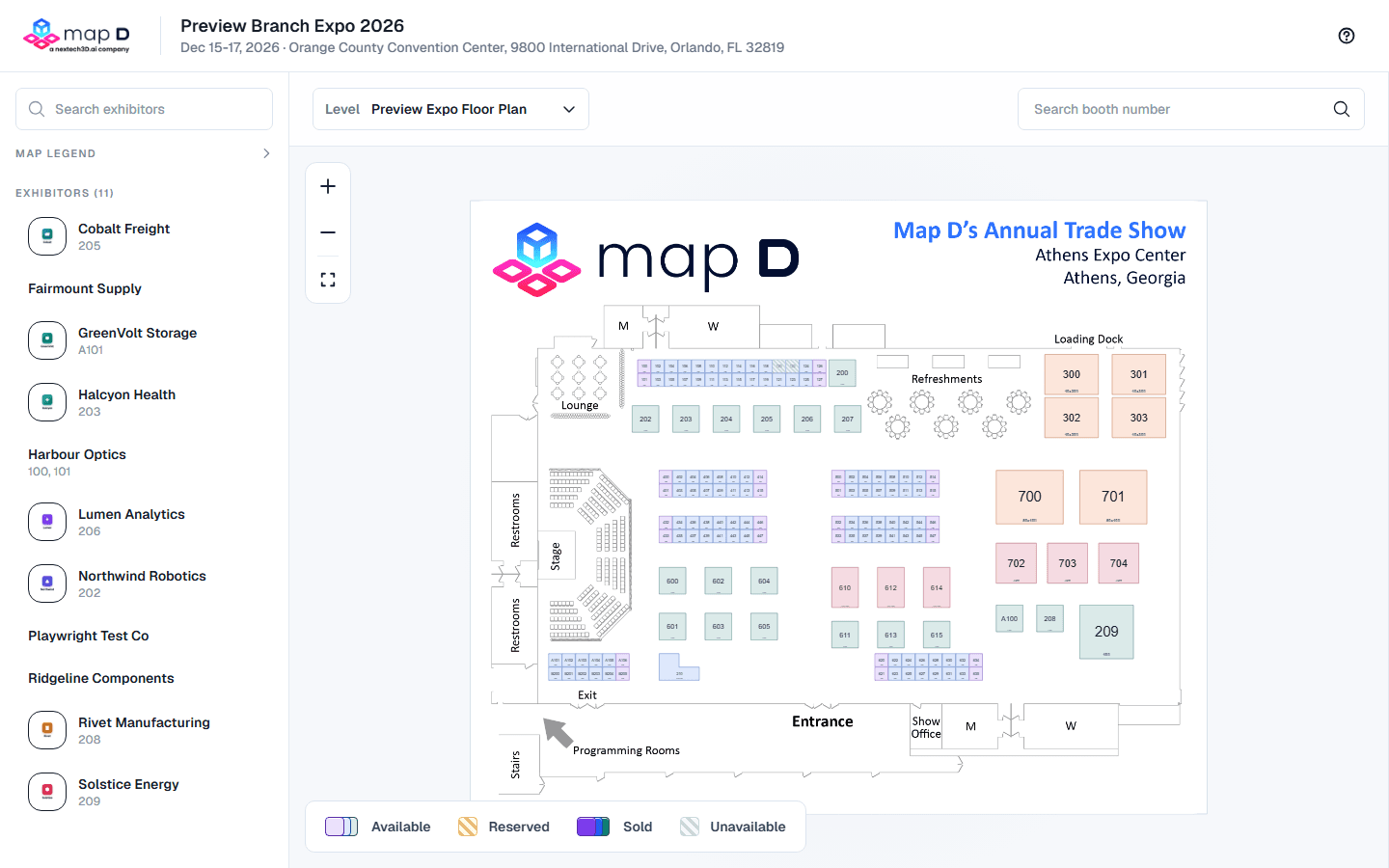
Your floor plan is the map of your venue, with every booth, aisle and area on it. Map D builds your first map for you on the standard plan, and you can draw or adjust it yourself in the map editor. Once it is published, the same map powers booth sales, your Homebase and the mobile app.
Booth sales
Exhibitors pick a booth right on the floor plan, add services, and pay online or offline. You decide what is for sale, the prices, the payment methods, and whether purchases need your approval. Orders, invoices and payment requests are all managed from Registration & Orders in your show.
Exhibitors
Every exhibitor gets a profile and, if you invite them, their own portal. In the portal they complete their company profile, add booth staff and products, finish the onboarding tasks you set, and view their orders. You choose what they can edit.
Homebase and the mobile app
Homebase is your public show site: exhibitor list, floor plan, schedule, speakers and sponsors, kept up to date from your workspace. The mobile app shows the same information on attendees' phones. Both are designed and published from inside your show.
Speakers, schedule and ticketing
If your show includes them, you can manage speakers and sessions, sell attendee tickets, and run onsite check-in from the same workspace.
Where to go next
Still need help?
Contact your Map D account team. Include your show name and, if something looks wrong, a screenshot of the page.
Last updated September 24, 2026