
Add products, photos and videos
Build out your profile with products and services, photo galleries and YouTube videos.
Products, photos and videos turn your profile into a small showroom. Visitors browse them on the show's Homebase and in the mobile app before and during the show.
All three tabs are in Edit profile on My Profiles. Each item saves as soon as you add it. Use Edit or Remove on an item to change it, and drag items to reorder them.
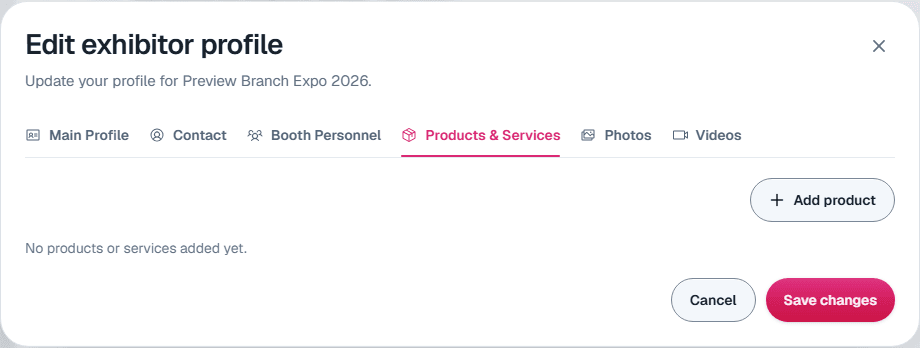
Products & Services
Select Add product. Only the Title is required. You can also add:
- Category and subcategories
- Model number and price. The price is free text, so "From $500" or "Contact us" both work.
- A description
- Up to three pictures (GIF, JPG, PNG or WebP, up to 5 MB each)
- A YouTube video URL, a "more info" link and a 360 view embed
- A downloadable file, such as a spec sheet (PDF, Word, Excel, text or image, up to 20 MB), with your own button title
Photos
Select Add photo, choose an image (GIF, JPG, PNG or WebP, up to 5 MB), and optionally add a title and caption.
Videos
Select Add video, give it a Title, and paste a YouTube URL or a direct link. Videos are linked, not uploaded, so host the video on YouTube or your own site first.
Still need help?
For questions about your show, booth or invoice, contact your show organizer. Their contact details are in your invite and order emails. Who to ask
Last updated September 25, 2026