
Embed your show on your website
Embed your Homebase or booth sales floor plan on your own website with a copy-and-paste code.
Put your Homebase or your booth sales floor plan inside your own website, so visitors never leave it. Open Embed & API in the show sidebar.
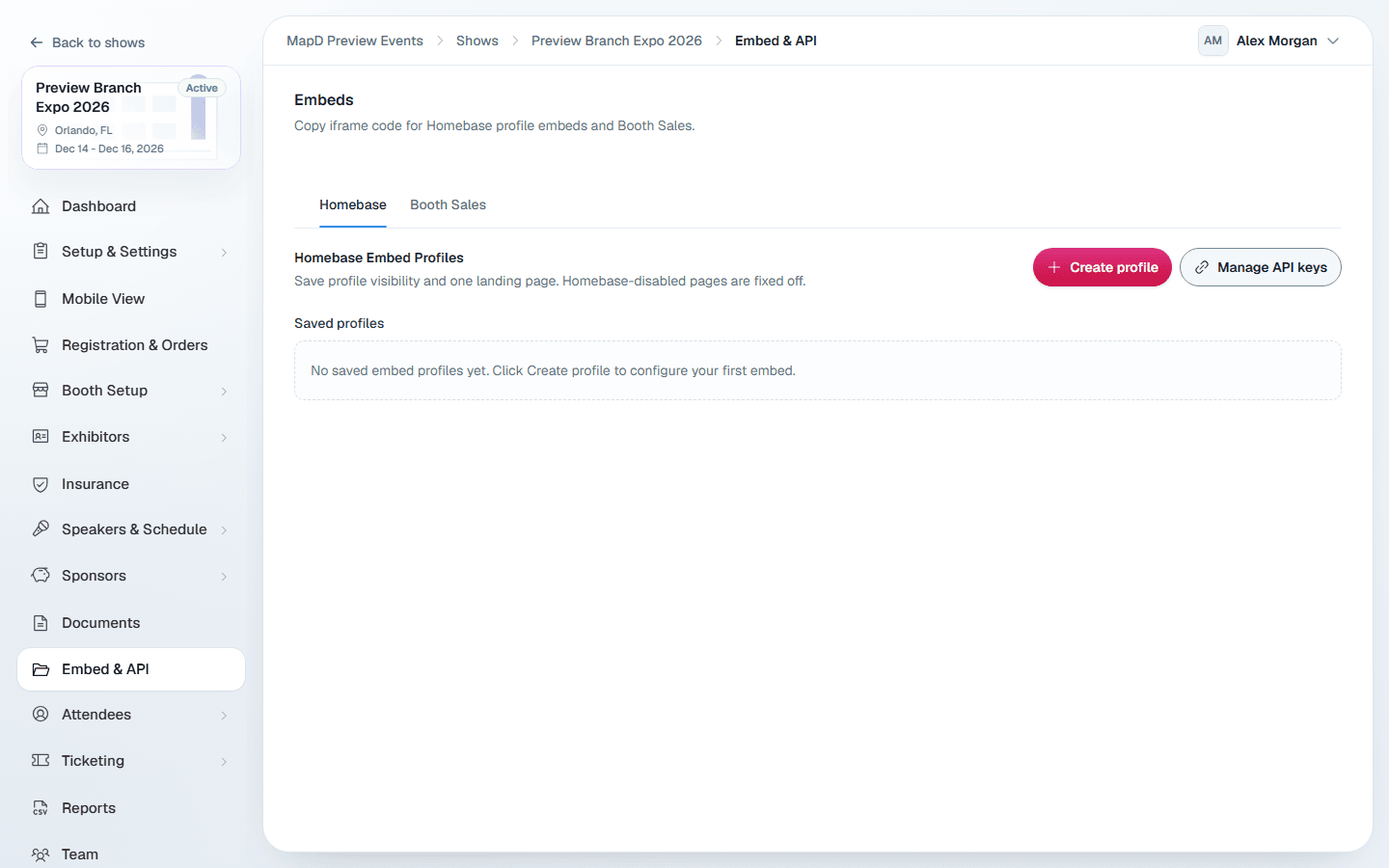
Embed your Homebase
An embed profile decides which Homebase pages appear in the embed and which one opens first.
Publish your Homebase
The embed shows your published Homebase, so publish it first. See Build your Homebase.
Create a profile
On the Homebase tab, select Create profile. Name it, for example "Main Website Embed", turn each page on or off, and pick one Landing page. Pages turned off in your Homebase settings cannot be turned on here.
Copy the code
Select Copy code on the profile and paste it into your website's HTML.
Use Preview saved profile to check it first. You can make several profiles, for example one for your main site and one for a sponsor page.
Embed booth sales
On the Booth Sales tab, select Copy code to embed your public booth buyer page, with the floor plan and checkout. Select Preview Booth Sales to try it.
The embed opens on the first map in your order. If your show has more than one map, the tab also lists them, and the link icon beside each one copies a link that opens on that map.
About the code
The code is a standard iframe, 100% wide and 900 pixels tall. Your web team can change the height to suit your page.
Still need help?
Contact your Map D account team. Include your show name and, if something looks wrong, a screenshot of the page.
Last updated September 25, 2026