
Sign in and reset your password
Where to sign in after your first visit, and how to reset a forgotten password.
Once your account is set up, you do not need the invite email again. Sign in any time on the Map D login page.
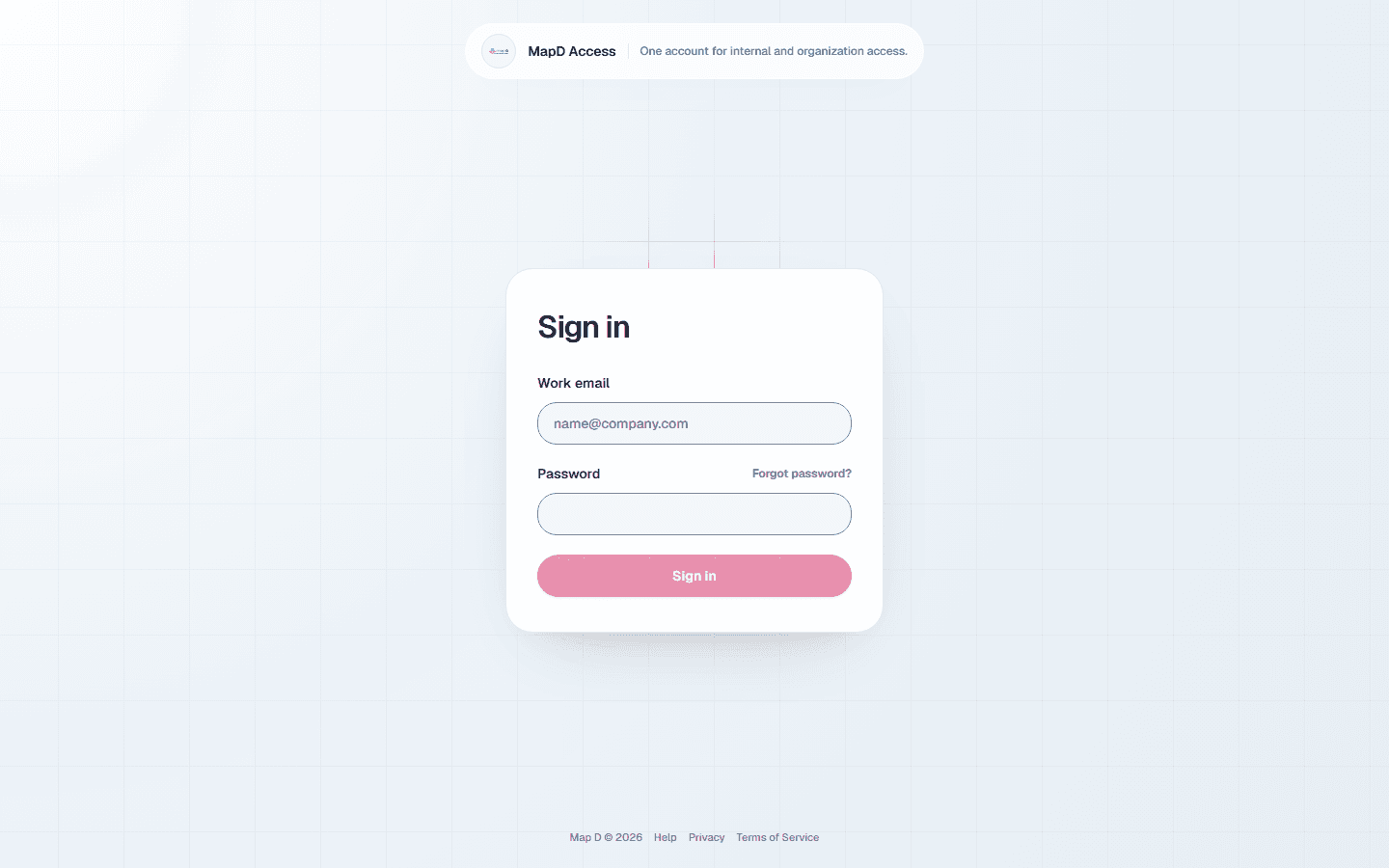
Sign in
Open the login page
Go to the Map D login page. You can also use the Sign in button in any Map D email about your show.
Enter your email and password
Use the email address your invite was sent to.Enter your two-factor code, if you use one
If you turned on two-factor authentication, open your authenticator app and type the 6-digit Map D code.
You land on My Profiles, with your exhibitor profile for each show you are part of. If your account moved from your previous platform, the first time you sign in you are asked to review the Terms of Use and Privacy Policy and select I accept.
Reset a forgotten password
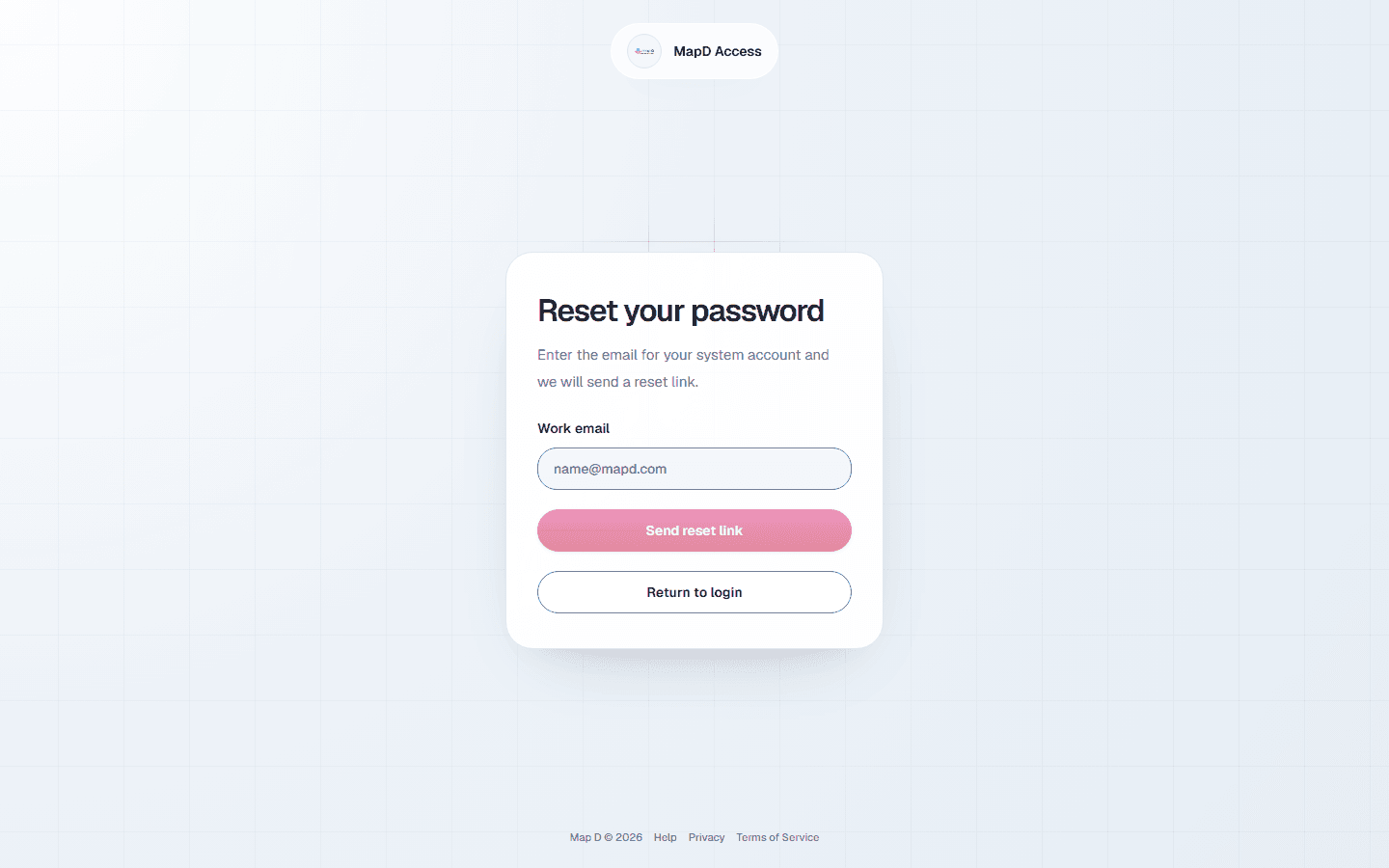
Select Forgot password?
On the login page, select Forgot password? under the password field.
Enter your email
Map D emails you a link to choose a new password. Check your spam folder if it does not arrive within a few minutes.
Choose a new password
Open the link and choose a new password: at least 7 characters, with at least one letter and one number. Then sign in again.
Use a new email address
The email you sign in with can't be changed, by you or by Map D support. That keeps anyone from taking over your account by asking for your email to be changed.
If your email address changes, ask your show organizer to send your portal invite to the new address. You set up the portal from that email, and your company's profile, booths and orders are there as before.
Still can't sign in
- Map D says your email or password is wrong: check the email address for typos, and make sure it is the address your invite was sent to. If you are not sure of the password, reset it.
- You never set up an account: look for your invite email. See Your exhibitor portal invite.
- Two-factor problems: see Set up two-factor authentication.
- Anything else: contact your show organizer. See Your show organizer or Map D: who to ask.
Still need help?
For questions about your show, booth or invoice, contact your show organizer. Their contact details are in your invite and order emails. Who to ask
Last updated September 30, 2026